


GAMEPADS Game Joystick Dual Vibration Turbo For Playstion5/PS5/PC Wireless Controller BT Adaptives Trigger External mic
GAMEPADS Game Joystick Dual Vibration Turbo For Playstion5/PS5/PC Wireless Controller BT Adaptives Trigger External mic
Couldn't load pickup availability
Description
Description
SPECIFICATIONS
Battery Included: Yes
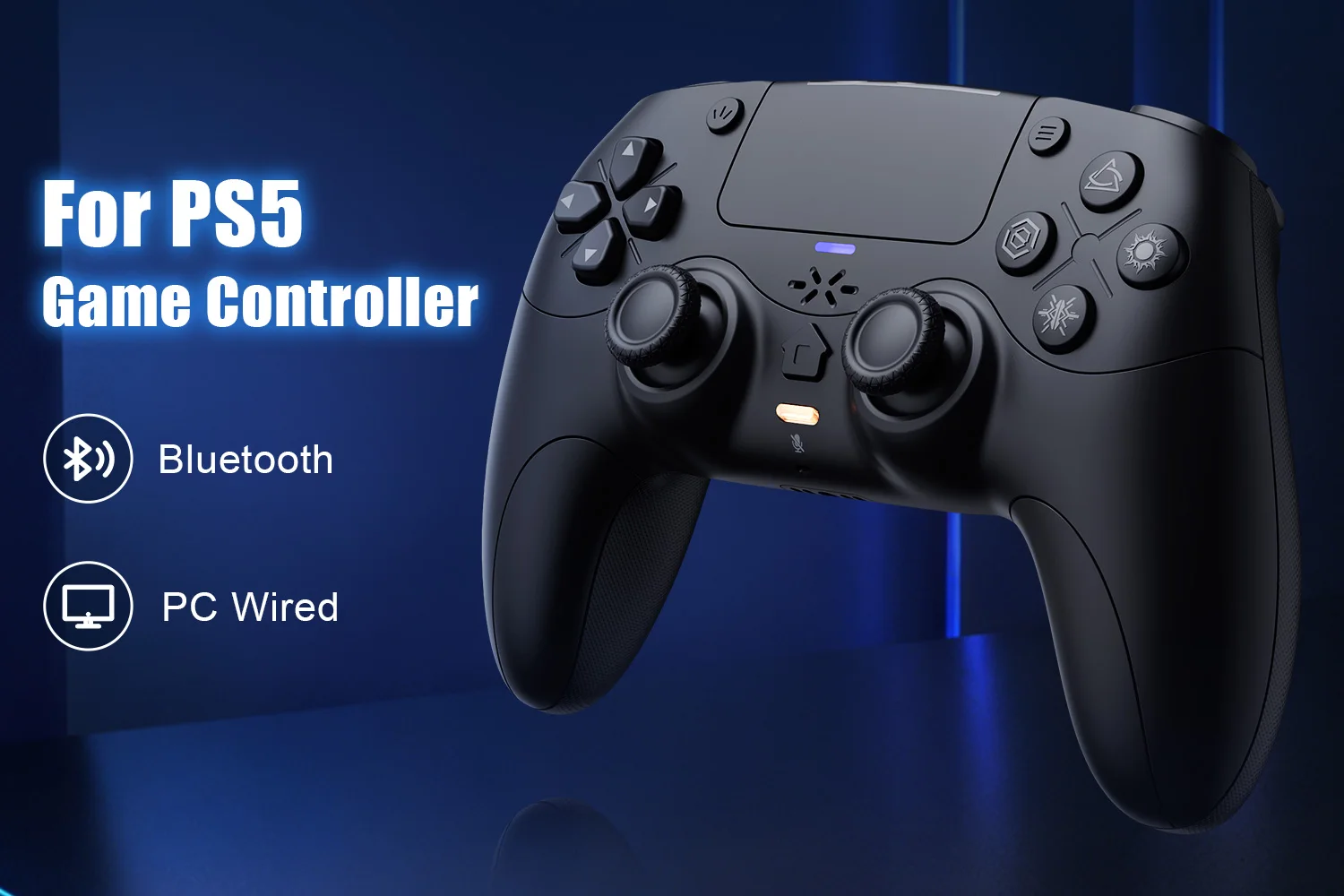
Blue-tooth Gamepad: For Playstation 5 Controller
Brand Name: Bonadget
Bumpers Switch Type: MICRO SWITCH
Certification: CE
Compatible Brand/Model: PC
Compatible Platform: playstation,PC
D-pad Switch Type: Tactile switch
Hall Effect: Yes,Yes
High-concerned chemical: None
Interface Type: Bluetooth,Blue-tooth
Model Number: RH-5189
Origin: Mainland China
PC System: Windows 10
Package: Yes
RGB lighting joysticks: Yes
Support Software configuration: Yes
Trigger Button Type: Hall-Linear
Turbo Dual: Vibrate Programming
Type: Gamepads
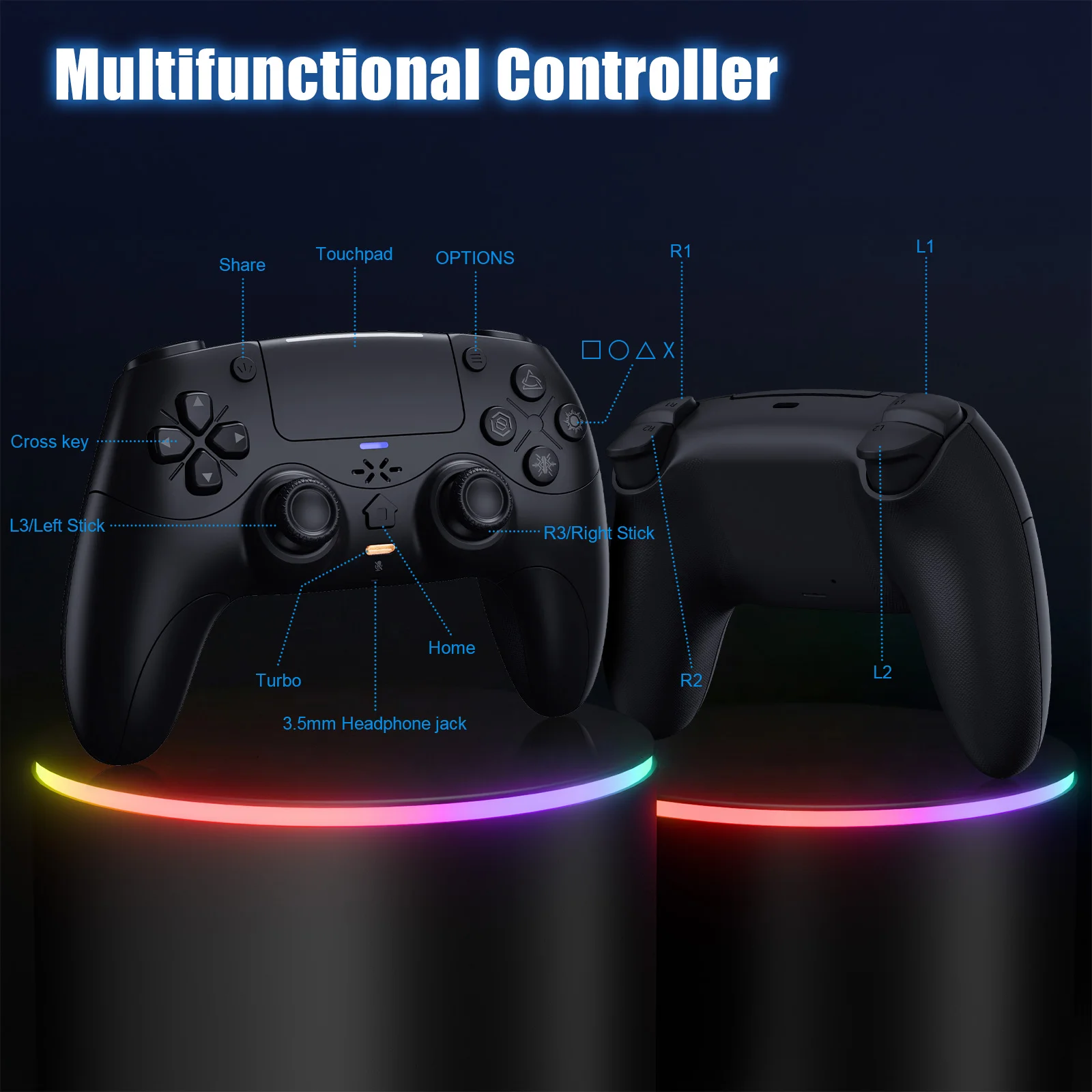
👉!!! Note: The first time a new controller connects to PS-5,a wired connection is required.
1.When the controller is turned off, connect it to PS-5 via USB cable, then press the "PS button" to connect to PS-5.
2.When the wired connection is successful, disconnect the USB cable and press the "PS" button to connect to PS-5 wirelessly.
PC Wired Connection:
👋1.Power on the PC
2.The controller connects to the computer via a USB-C cable.
Note:
2. PC display names:
PS-5 Wired: DualSenes Wireless Controller --- Light is blue
X-input: PS-5 Controller for Windows --- Light is green
Bluetooth Connection:
For PC/iOS/MAC and Steam Deck
🎮1.Turn on Bluetooth on the PC.
3.Search for Bluetooth "DualSenes Wireless Controller" and click to connect.
4.The controller supports Apple devices with iOS13.0 and above; the Mac
platform supportswired connection and wired audio functionality.5.Steam Deck supports wired connections and wired audio functionality (when connected to Steam Deck in PC mode, the mode can be switched).
6.A Type-C to USB adapter cable is required for wired connection between MAC and Steam Deck.
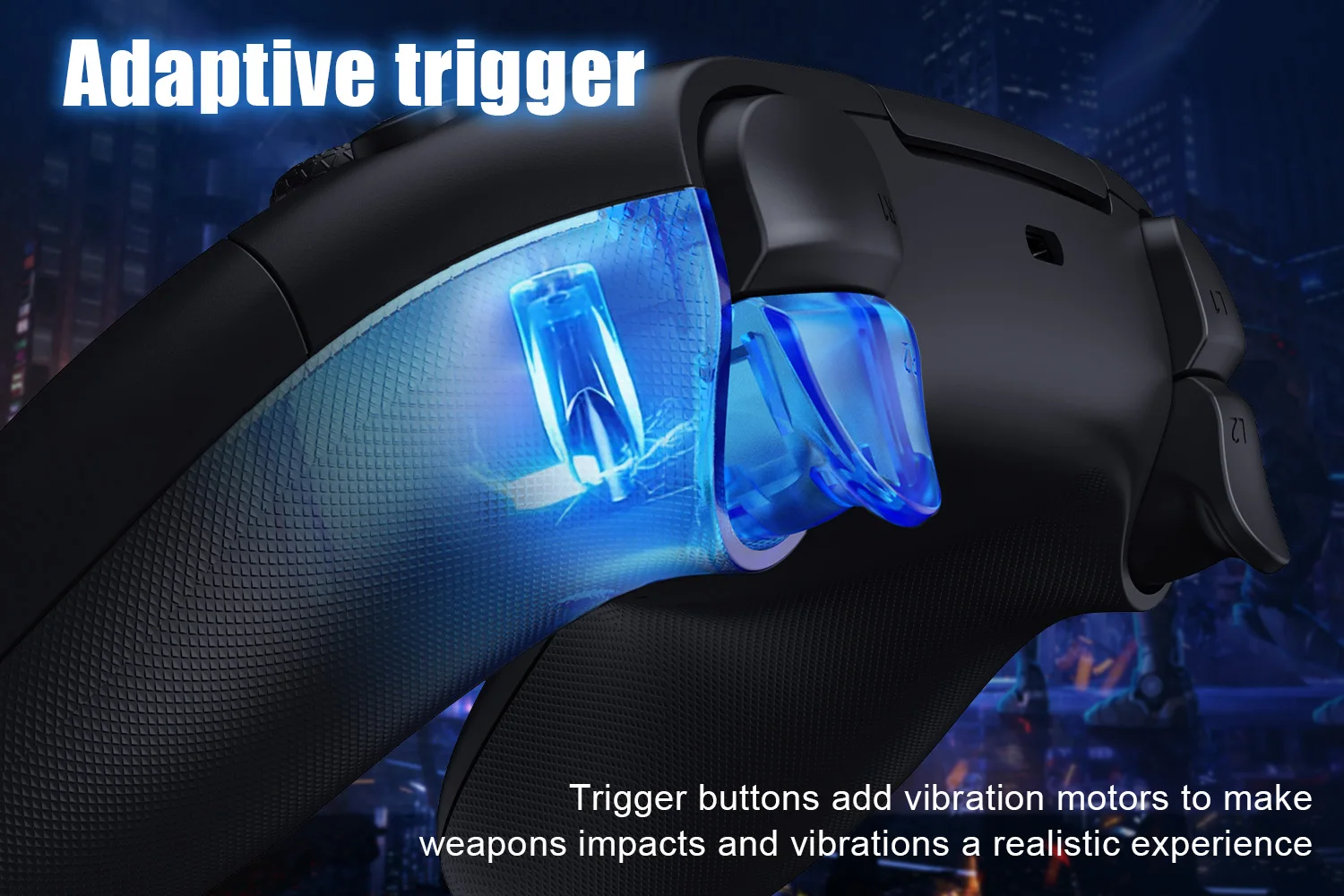
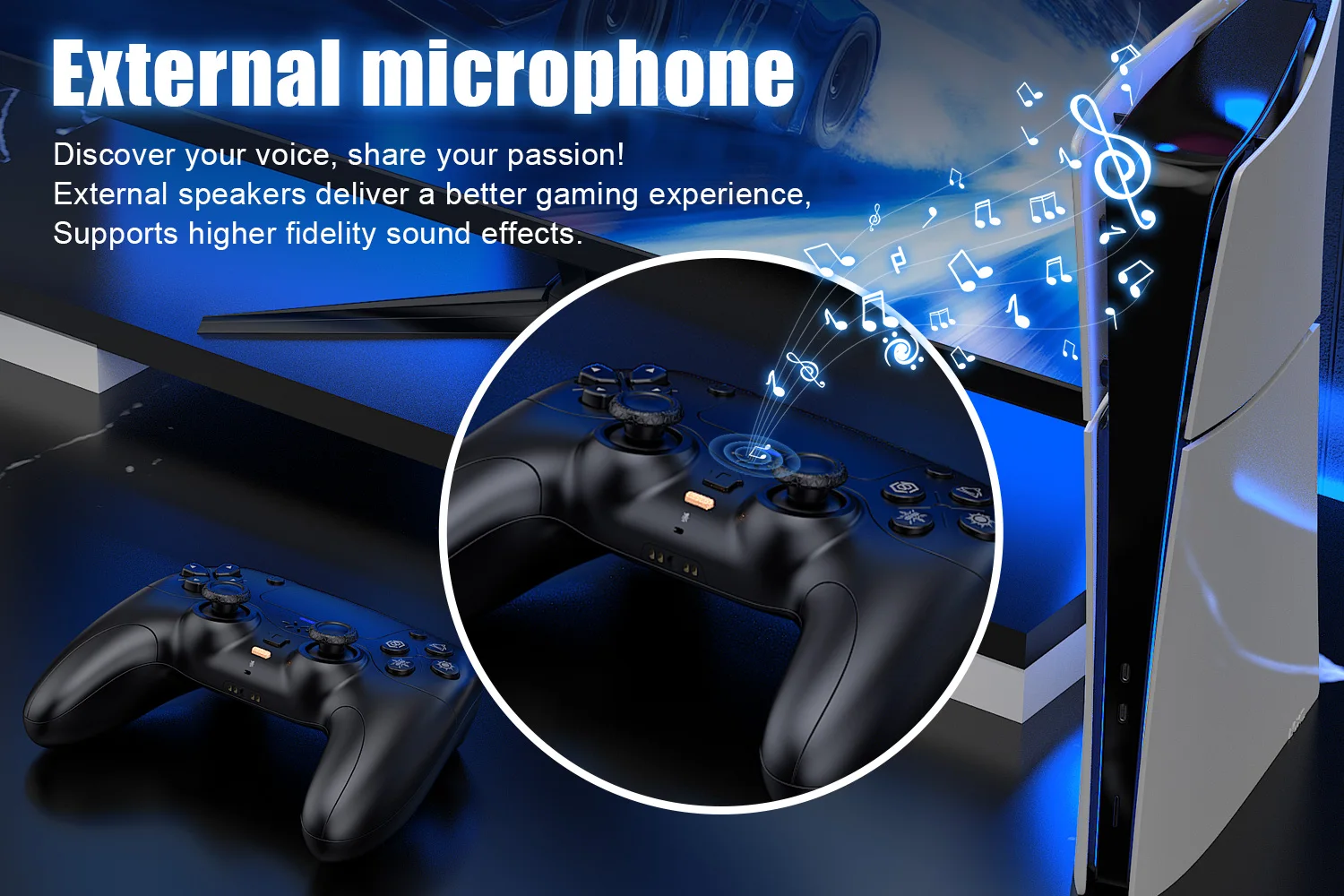
Mute Function:
1. Briefly press the mute button; the mute indicator light will remain on, indicating that the controller's microphone is muted.
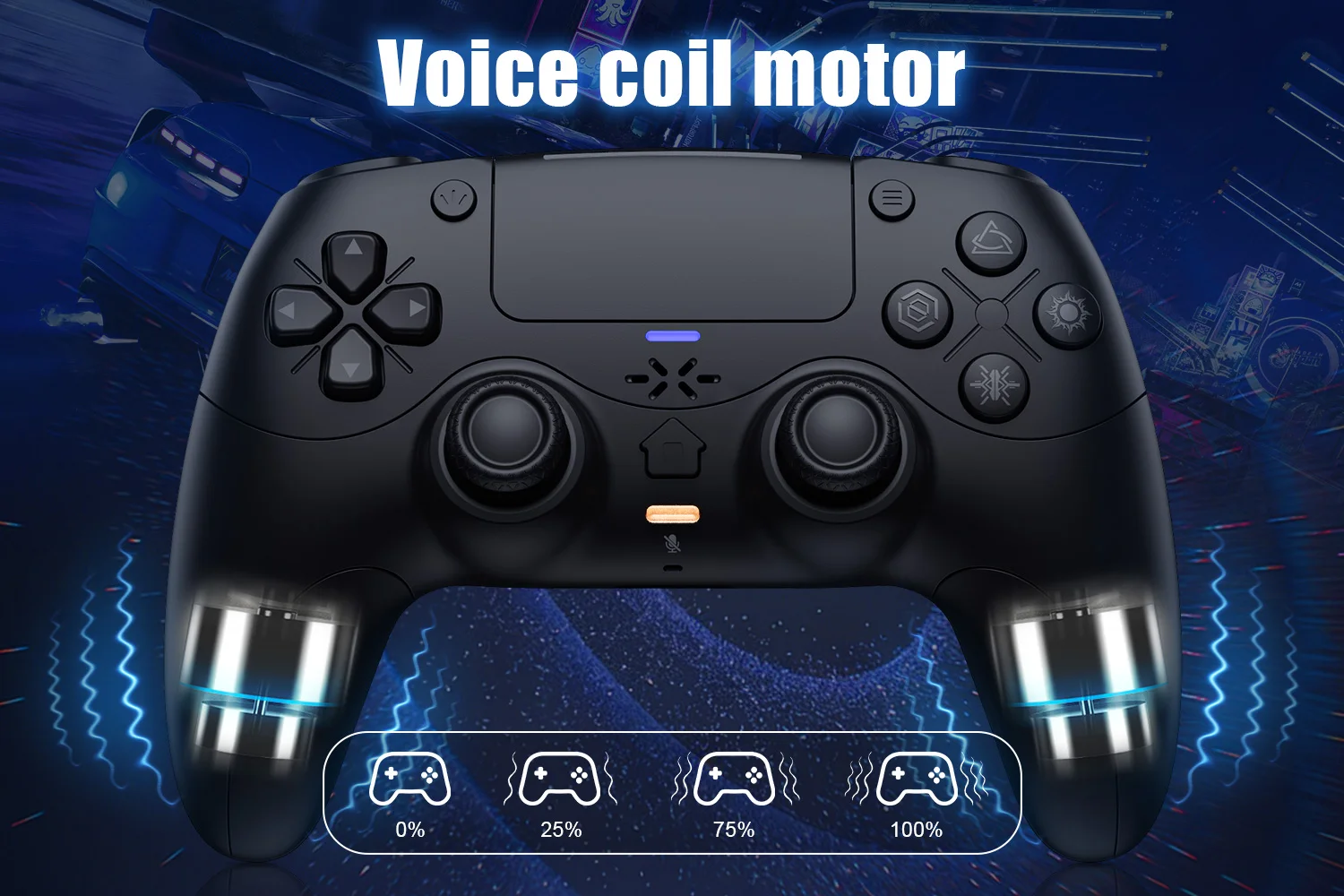
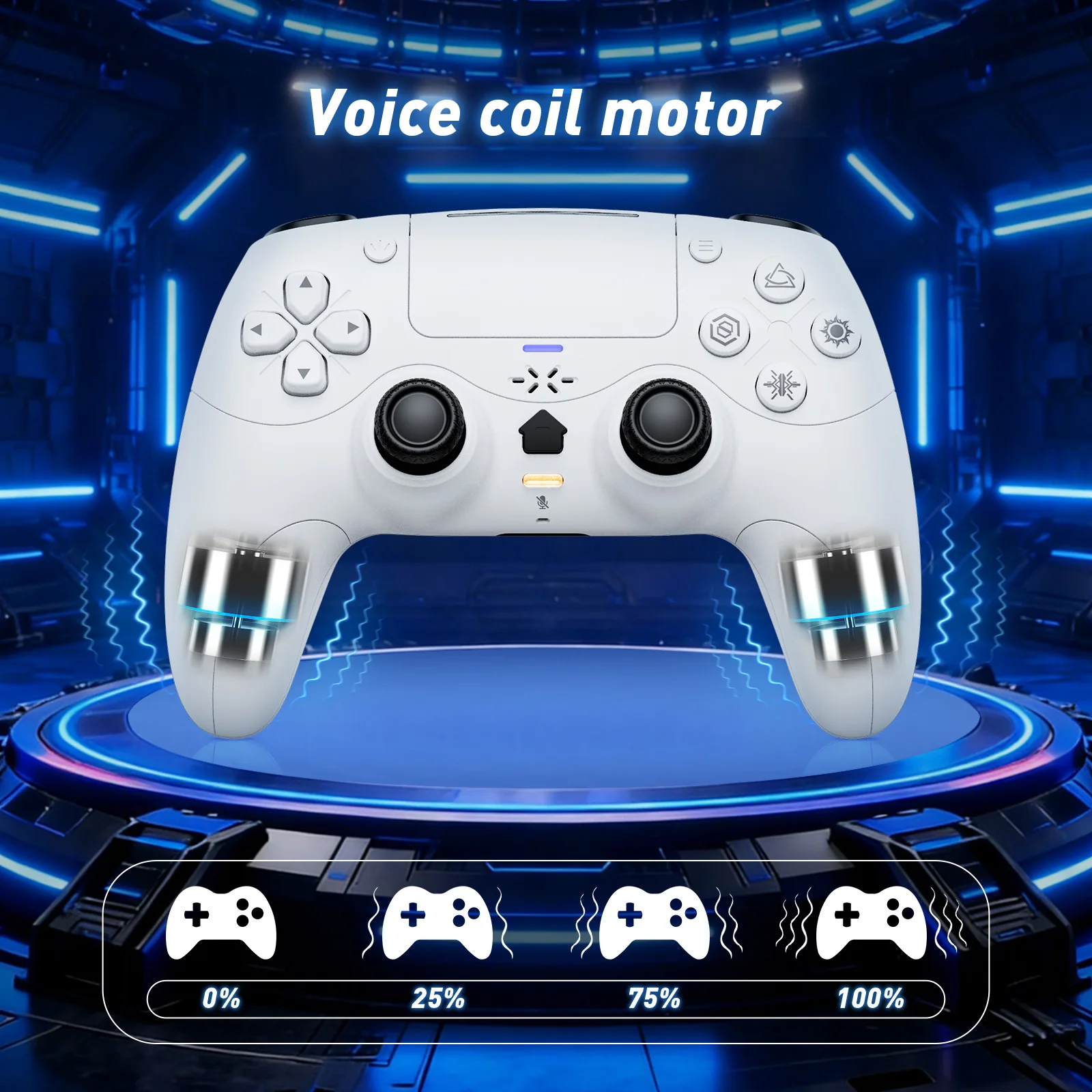
Linear Motors:
Triggers and 3D Joystick Calibration:
1.Hold the buttons,then use the USB cable and power on.The Home button will flash quickly.
2. Press L2/R2 triggers 2 - 3 times, rotate those two 3D joysticks 2 - 3 circles each.Then long -press X key for 1 second to confirm. The Home key will stay on.Calibration is done; power off to save.
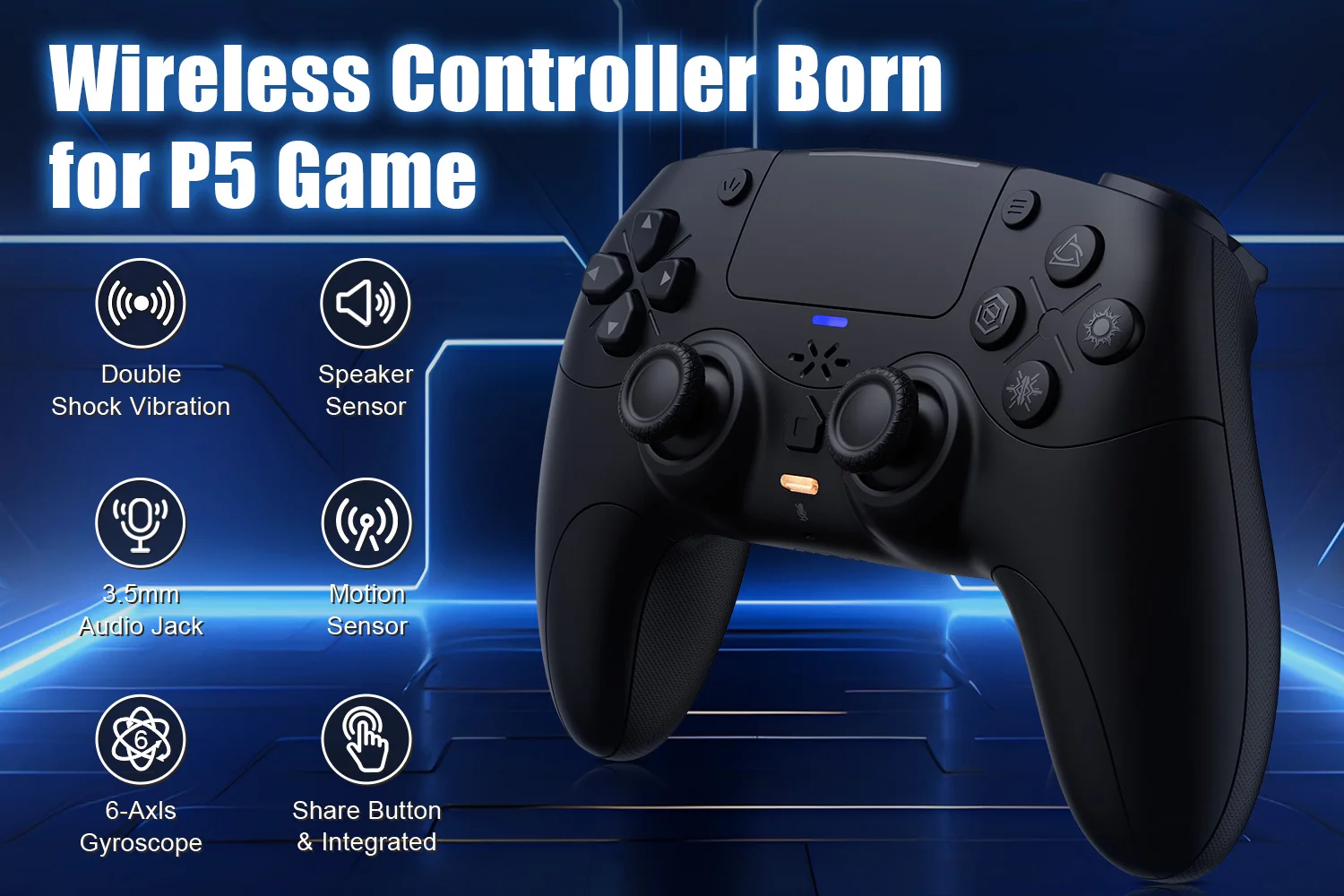
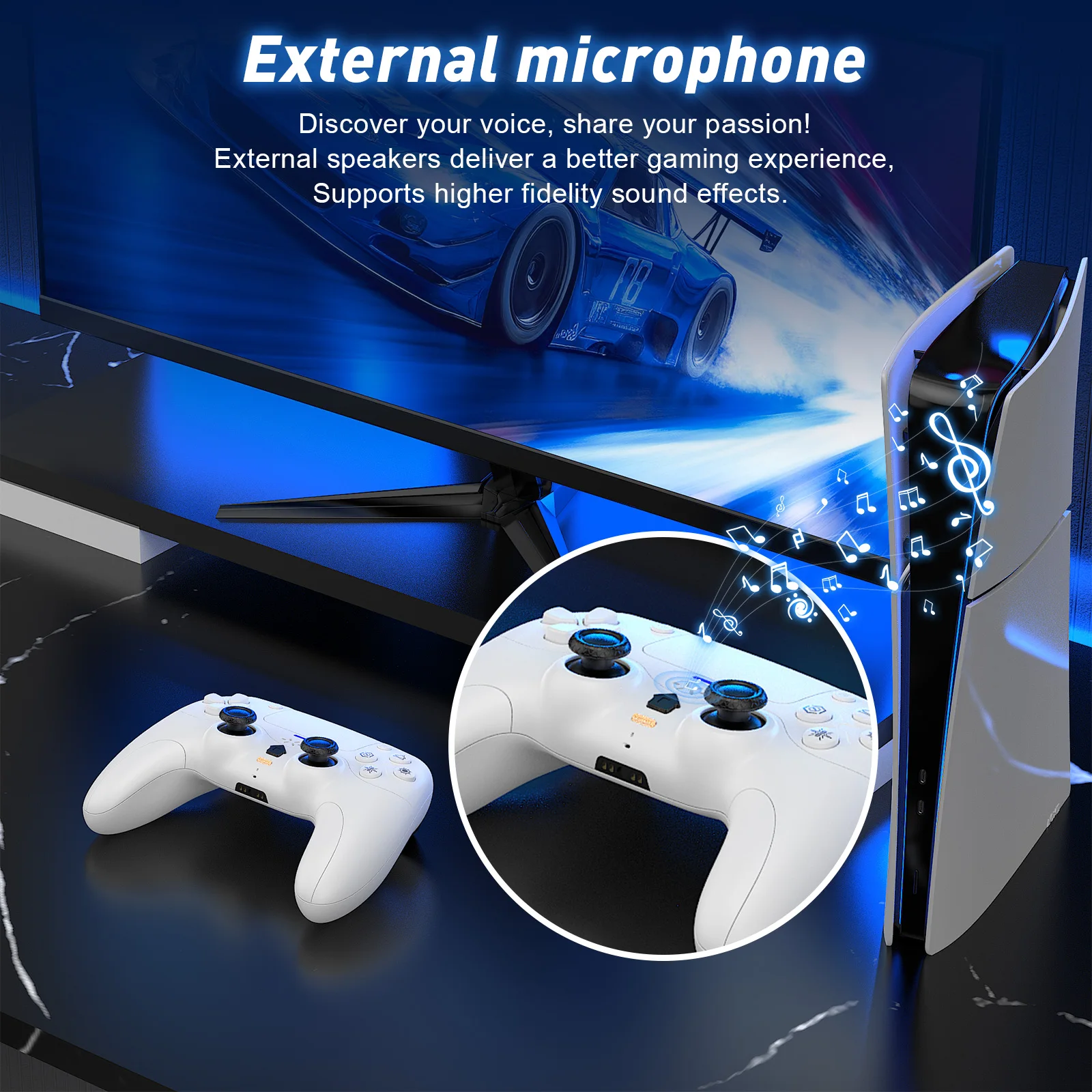
Shipping Policy
Shipping Policy
Supplier processing times vary by product and supplier. Available shipping methods, costs, and delivery estimates depend on the item and destination and are shown at checkout. Items from different suppliers may arrive separately.
Refund Policy
Refund Policy
You have 30 days from the date you receive your order to request a return.
To be eligible for a return, items must be:
Unused, in the same condition as received.
In the original packaging with all accessories, manuals, and tags included.


